
Shared guidelines
An agreed musical direction and process for brand messages.
Retail Radio for chains
Set consistent audio guidelines across your retail chain while allowing for differences between stores. Organise music, ads and announcements through Retail Radio, with location groups, shared content and schedules built around your chain’s needs.
Discuss your store formats, equipment and goals

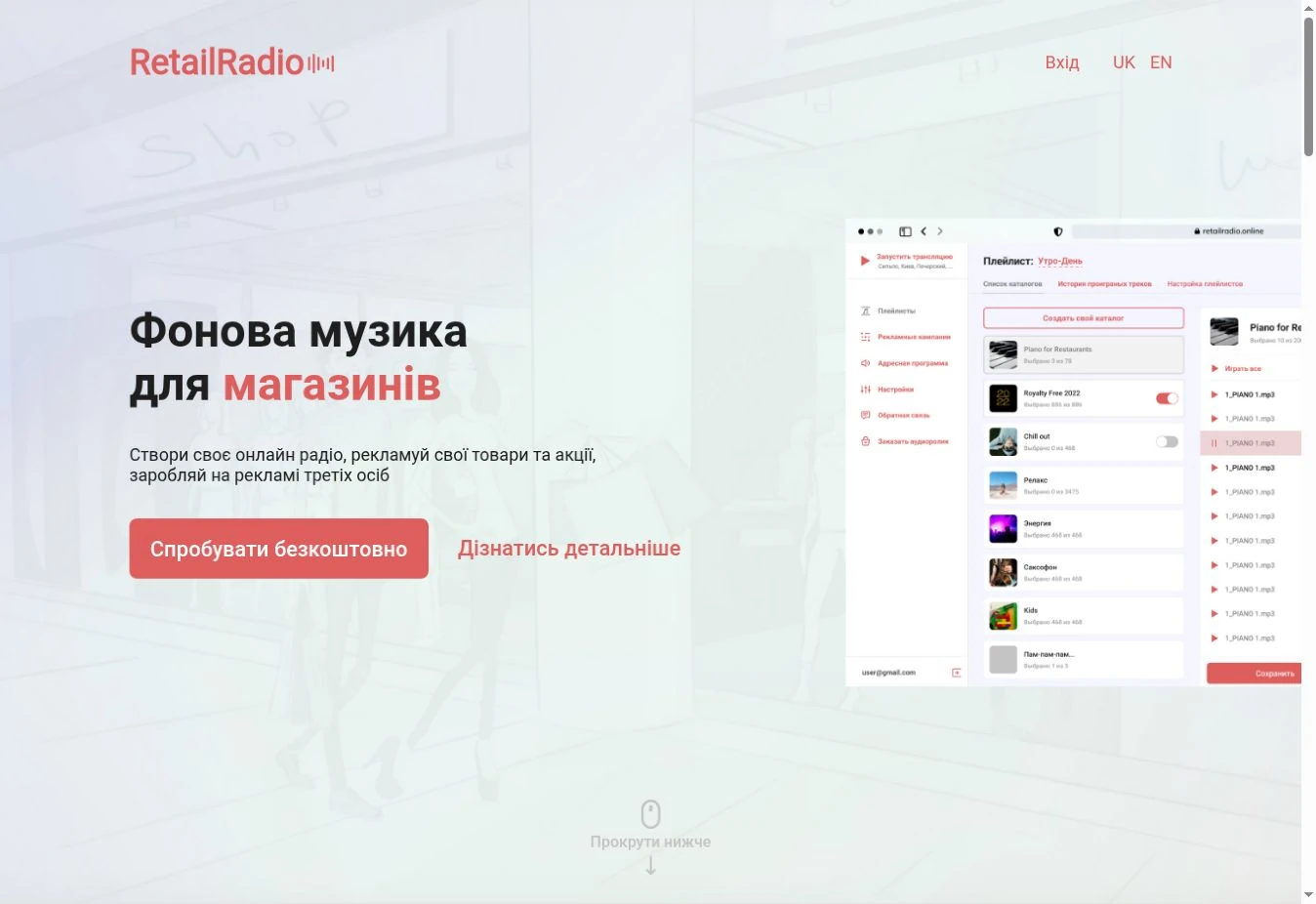
About the solution
When every store chooses its own music and announcement times, consistent programming becomes harder. Centralised music management starts with agreed guidelines: music styles, message types, an update process and people responsible for the programme.
Shared guidelines do not require an identical stream in every location. Store groups can reflect format, region or local offers. Before launch, decide which content is chain-wide and which is relevant only to specific stores.
Your team can manage the content after training, or Media Retail staff can do so by agreement. Define who prepares and approves content, updates schedules and checks playback.
Retail Radio is an established online audio streaming platform for stores and retail chains. Music, advertising and announcements form an online broadcast that requires an internet connection. Advertising can be added or removed promptly, without waiting for overnight synchronization.
An agreed musical direction and process for brand messages.
Account for different formats and local offers in your chain’s programme.
Manage the programme in the platform and use reports to review broadcasts.
Your goals
Agree on the character of the music and permitted differences between store formats.
Separate chain-wide campaigns from offers for selected store groups so that messages match the location and offer period.
Define how service and store announcements are prepared and who keeps them up to date.
Getting started
From brand guidelines to a phased store rollout.
List store numbers and formats, internet access and existing sound systems.
Define music styles, location groups, advertising needs and responsibilities.
Set up the stream and schedule, listen in the stores and agree any adjustments.
Apply the agreed approach to other stores and establish a regular content workflow.
Send us the number and formats of your stores, your current sound setup and how you manage music today. We will discuss location groups, content, support and the rollout process.
Good to know
Yes. We agree shared content and differences for groups or individual locations to reflect store formats and local offers.
Your team can manage the service after training. Management by Media Retail staff is also available by agreement, with the scope defined before launch.
Receiving the Retail Radio stream requires an internet connection. Check connection stability and playback configuration before launch.
To prepare a proposal, we ask about locations, equipment, content and who will manage the stream. Retail Radio primarily uses a subscription model; setup and support requirements are agreed separately.
Tell us the number of stores, your playback equipment and sound system. Explain whether you need music only or also advertisements and announcements, and whether content should differ between locations.
Choosing supermarket background music: an unobtrusive sound, volume, vocals, repetition and listening checks on the shop floor. The Media Retail approach.
Separate personal music tastes from store needs: selection guidelines, repetition, staff feedback and a consistent approach across a retail chain.
Plan a store audio programme: balance music and announcements, write clear messages, match audio levels and check advertising schedules in practice.
Media Retail
Send us the number and formats of your stores, your current sound setup and how you manage music today. We will discuss location groups, content, support and the rollout process.