Offline playback
Downloaded videos play according to the saved schedule even when the internet connection is lost.
Video playback for retail chains
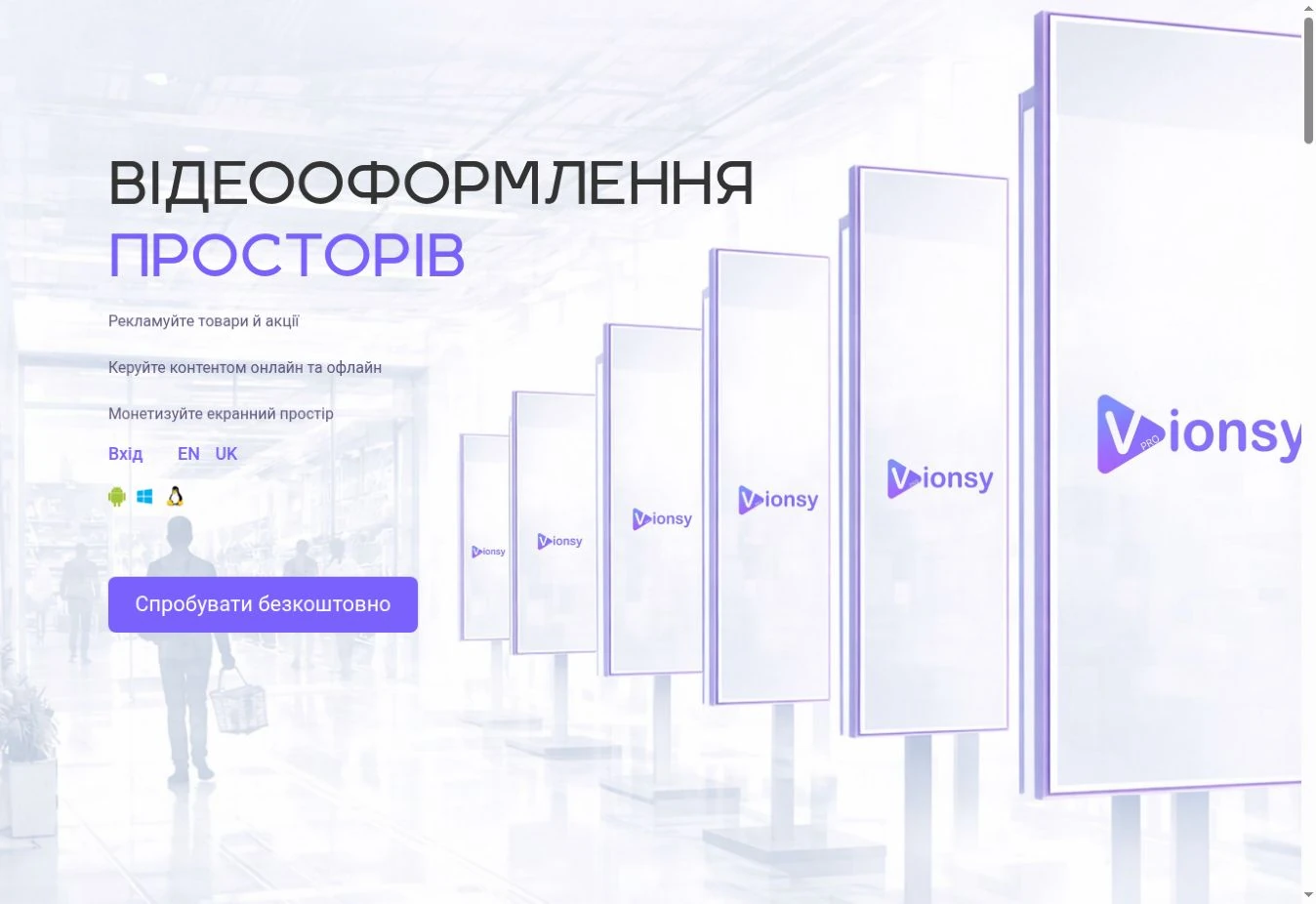
Vionsy Pro is a video playback service for Android TV televisions and Android, Windows and Linux devices. Manage playlists and schedules from a cloud dashboard, select screens by tags and location groups, and check the status of players across your network.
Explore video screen content management
About the solution
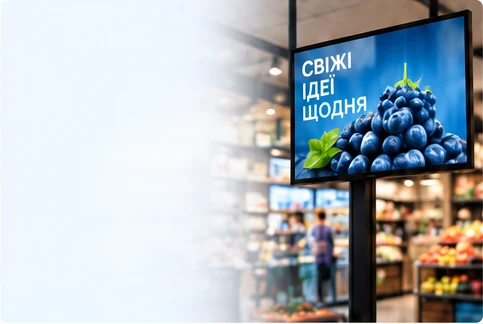
Vionsy Pro video playback software helps you manage screen content: upload videos and images, arrange playback and update messages for visitors. This approach to screen content management is also known as digital signage.
You can configure shared content across a chain or separate playlists for different stores, departments and zones. Screen tags and location groups let you apply changes to the relevant part of the network at once. Media Retail helps you agree on player configurations and connect locations in stages.
Vionsy Pro runs on Android TV televisions and Android, Windows and Linux players. On Android TV, the software runs directly on the television. We will help choose a configuration for your screens.
The player stores downloaded files, playlists and schedules on the device and plays that content autonomously. During synchronization over the internet, it receives updates and new media.
Downloaded videos play according to the saved schedule even when the internet connection is lost.
Schedule playback months or years in advance. The player follows the downloaded schedule within its planned dates.
You can configure your chain’s brand videos to play on repeat between scheduled content.
Rollout in progress
We are connecting the Saltivskyi Meat Processing Plant retail chain to Vionsy Pro for video content management. The screens belong to the client; we install players for playback.
As of 9 October 2026, 200 retail locations are connected. The agreed total project scope is 700 screens with 700 players to be installed. The rollout is continuing in stages.
Your goals
Tag screens by dairy department, prepared foods, meat or entrance. For a dairy campaign, select the relevant tag instead of manually picking a screen in every store.
Group locations by city, district or region, such as Kyiv’s right and left banks or Zakarpattia. Manage content for the group of stores you need.
The cloud dashboard shows player availability and synchronization events. When a player is connected, you can request a current screenshot of its playback.
Getting started
From a screen inventory to your first playback.
List your locations, screen numbers and what each screen is for.
Together, we will choose a television or player configuration and a connection setup for your needs.
Prepare videos and images, create a playlist and set the playback schedule. Agree on fallback content if needed.
Check content on your screens, then update it as your business needs change.
Explore the product on the Vionsy Pro website. Talk to Media Retail about organising video communication for your locations.
Good to know
Our primary focus is retail chains that need to manage video, promotions and information on their own in-store screens. We start with your locations, existing equipment and content requirements.
Manage videos, images and playback schedules on screens at your locations. Present products, offers, services and visitor information, and update content from the cloud dashboard.
Send us your television or player models. We will choose a connection configuration and help launch video playback. Vionsy Pro runs on Android TV, Android, Windows and Linux.
Yes. Vionsy Pro runs directly on Android TV televisions. We will help set up and connect your screens.
Yes. Tell us about your project’s platform and requirements. We can discuss custom development options, including iOS or Tizen.
Yes. Use shared playlists or separate content for selected locations. Screens can have department and zone tags, while locations can be grouped by city, district or region. For example, one tag lets you select dairy-department screens across the chain. In a shopping centre, tags can identify floors or entrances.
The player downloads files, playlists and schedules and stores them on the device. Prepared videos play autonomously according to that schedule. New content and changes arrive during the next synchronization over the internet.
You can prepare a schedule months or years in advance, including one, two or three years ahead. Once the files and schedule are downloaded, the player follows that schedule autonomously until the scheduled playback ends or a new schedule is received.
You can configure one or more brand videos to play on repeat between scheduled playback. We can also discuss a branded page for your project.
The cloud dashboard shows player connectivity and synchronization events, including playlist downloads. You can request a current playback screenshot from a connected player, helping you manage screens across the network from one dashboard.
Make changes in the cloud dashboard, and Vionsy Pro quickly synchronizes them with connected players. Upload new videos, update schedules and apply changes to the screens, tags or location groups you choose.
Yes. Vionsy Pro supports displaying air raid alert messages on screens.
You can use your own materials. If you need help producing or adapting them, discuss it with our team.
Share the number and models of your screens, their locations and how video is played currently. Tell us whether all monitors need shared content or separate selections. We will use this information to agree on the setup.
We plan to integrate Vionsy Pro with Reclamist to develop an advertising network of screens, digital billboards, video walls and media facades. Future capabilities include adding owner-approved screens to advertising inventory and online playback confirmation.
Media Retail
Tell us about your screens, locations and content. We will choose a configuration, help with setup and organize video playback management across your network.